Event management
Programme, participants and communication in one place.
Explore the details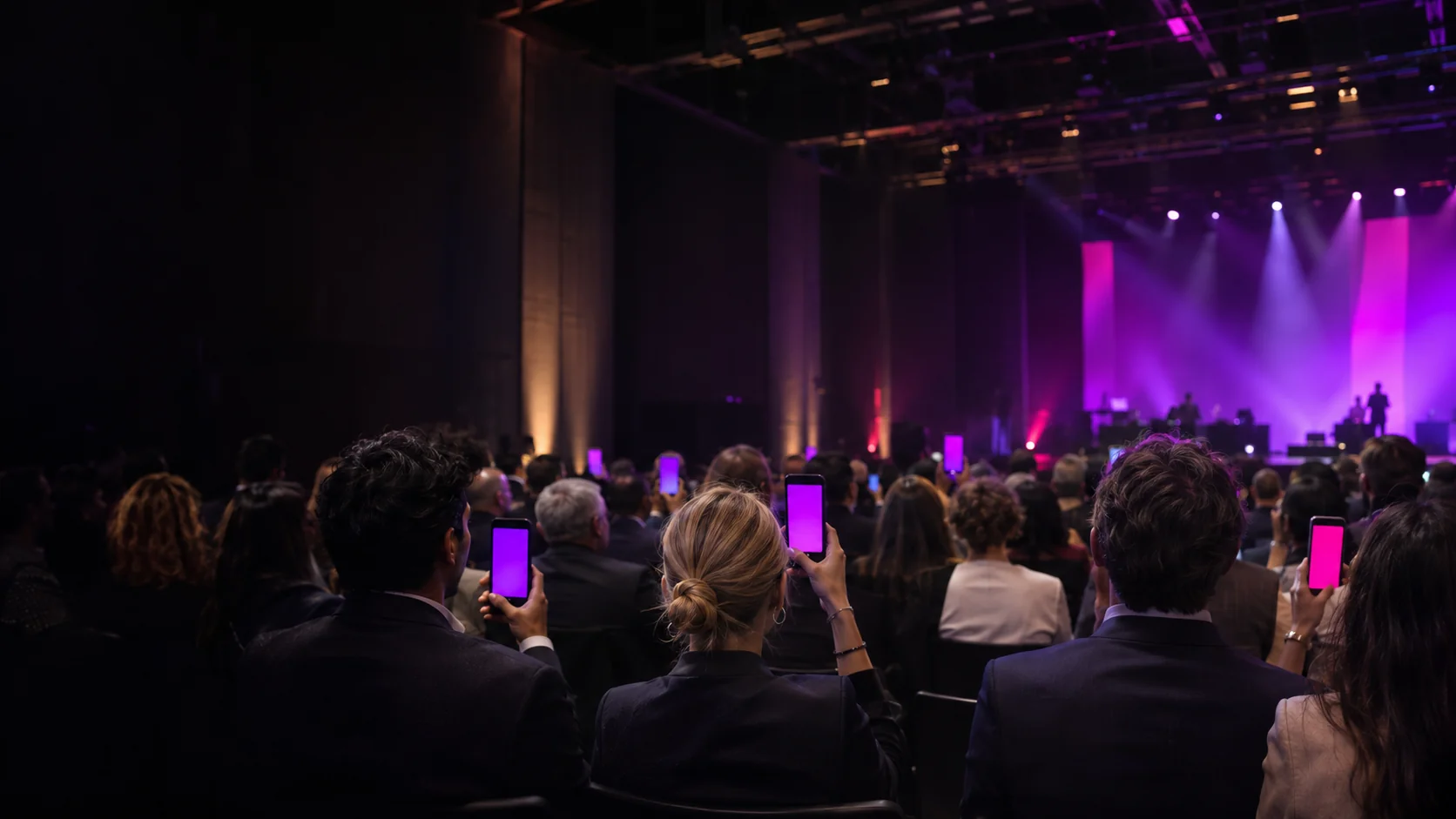
Event management and participant experience
Manage your programme, participant communication and interaction from a user-friendly panel. Choose what your event needs and follow clear guides at every step.
Illustrative event image.
How it works
Manageable for organisers and agencies. Easy for participants to follow.
Organise your programme, sessions and participant information in the panel. Decide which modules to use.
Bring event information, the programme and announcements together where participants can find them.
Prepare and test polls, light shows or multilingual sessions to fit the flow of your event.
Solutions for your needs
You do not need every feature. Choose the flow that fits your event.
Programme, participants and communication in one place.
Explore the detailsMake participant phones part of the show.
Explore the detailsMake the conversation accessible to more participants.
Explore the detailsManagement panel
Organise event information, the programme and participant tasks in the same workspace. Follow the next step with guides tailored to each screen.
Open the panel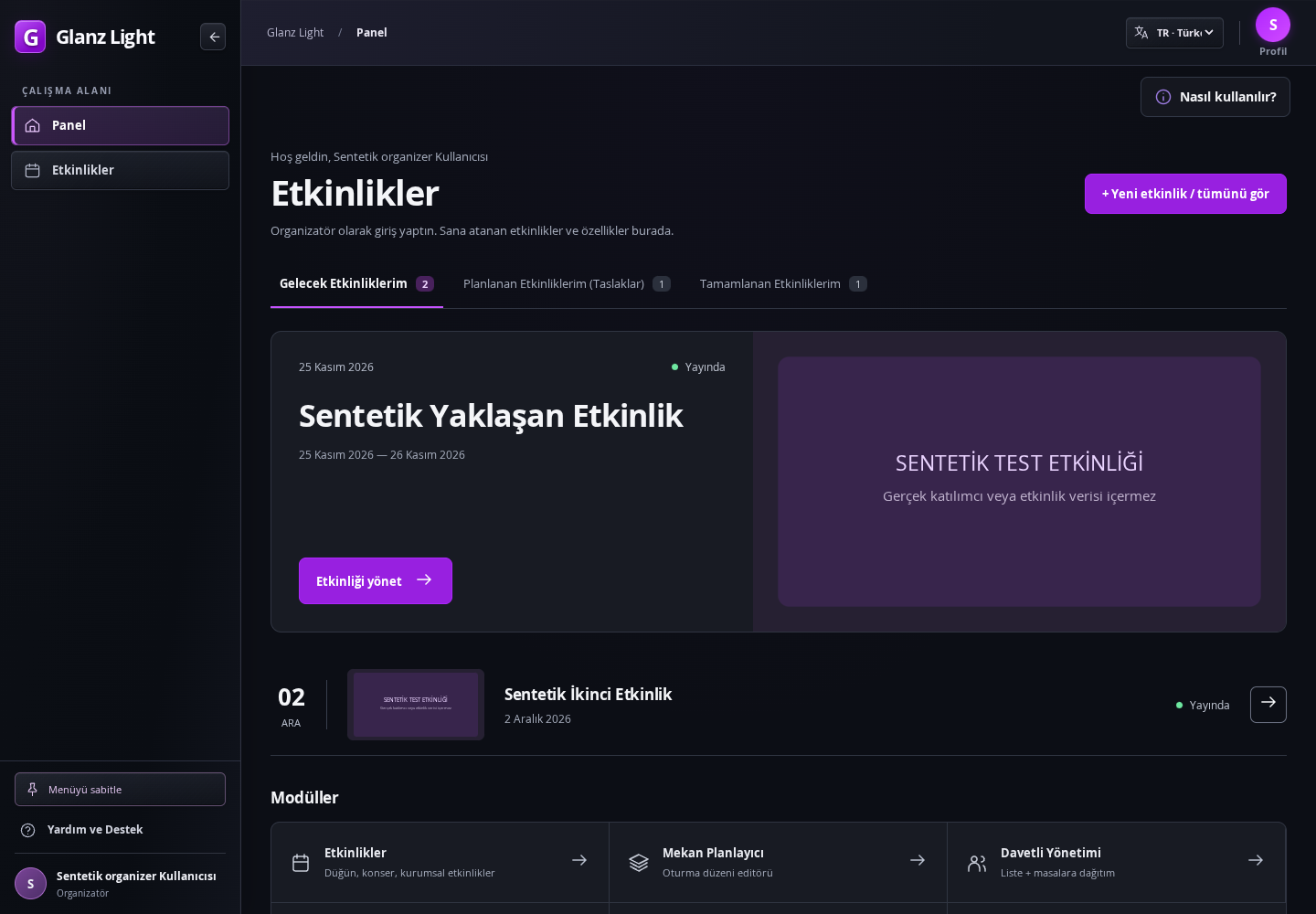
Download Glanz Light to access event information and the participation tools available to you.
Client feedback
We feel very fortunate to work with Glanz light
Guides and support
Straightforward instructions for participants, organisers and agencies. Explore the guides, create a request when needed and follow replies in the support panel.
Choose participant or organiser topics, or enter your question to search for a relevant guide.
Use the on-screen instructions and check the required information and settings before each action.
If a guide is not enough, sign in to create a request. View the conversation in the same panel.
The current support guides are in Turkish and can be read without signing in. A Glanz Light account is required to create requests and view replies.